Web Design Tips: A Practical Guide to Better UX, SEO, and Conversions

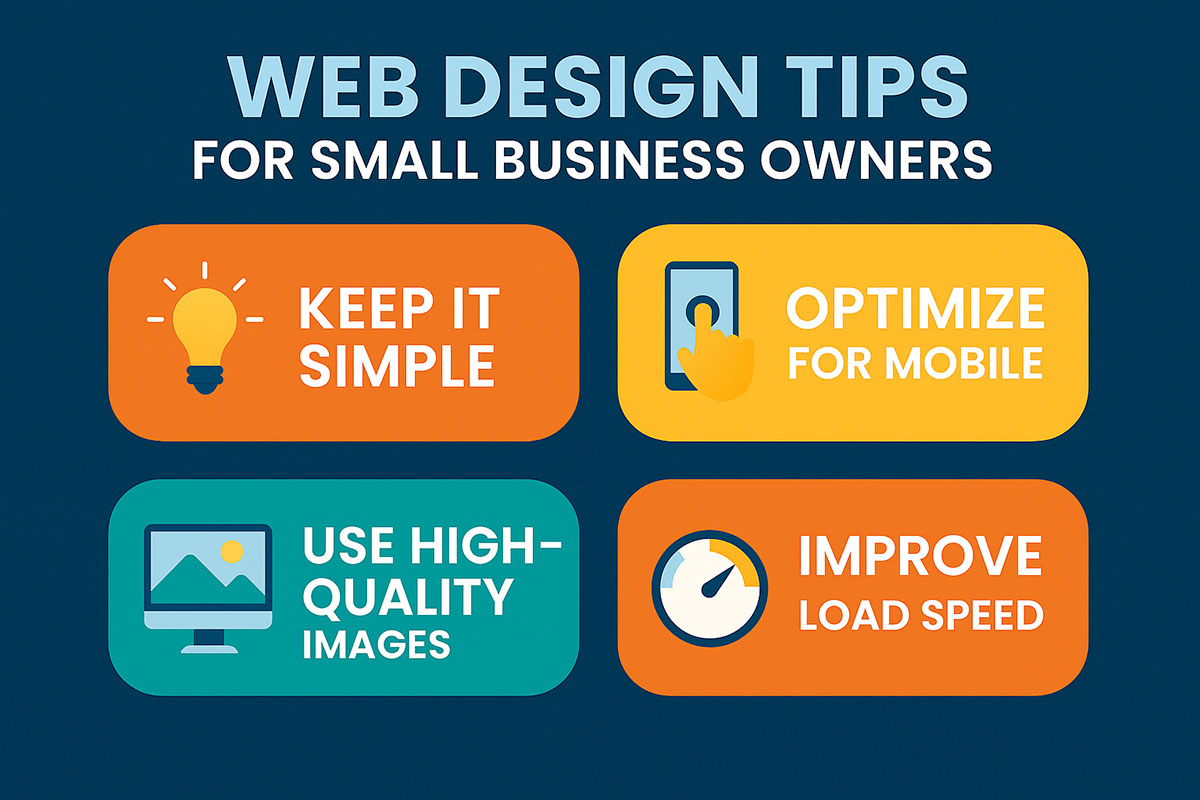
Strong web design blends usability, performance, and brand clarity. In this guide, Search Lions SEO shares web design tips that help small businesses, eCommerce teams, and marketers build user-friendly websites that load fast, rank well, and convert consistently—without guesswork. Use these best practices to plan, design, and optimize with confidence.
Visitors judge credibility in seconds. Clear hierarchy, fast load times, and mobile-first layouts shape first impressions—and your conversion rate. By pairing modern web design trends with website performance optimization and SEO-friendly structure, you create pages that earn attention, guide action, and reinforce your brand across every device and channel.
Why Web Design Still Matters: Beyond Looks
Great websites do three things: communicate value quickly, reduce friction as users browse, and make next steps obvious. The best web design tips weave together UI/UX, content, and technical performance so your site feels intuitive and fast. For small to medium businesses and eCommerce brands, that means:
- Clarity: Headlines and visuals match user intent.
- Speed: Pages pass Core Web Vitals and feel instant.
- Conversion: Calls-to-action are visible, specific, and persuasive.
Throughout this website design guide, we’ll pair strategic concepts with hands-on tactics—so you can apply them today.
Design Principles: Web Design Best Practices That Scale
1) Mobile-First Website Design
Design for the smallest screens first, then enhance. Mobile-first layouts force prioritization: concise copy, prominent CTAs, and lean assets. This approach often yields stronger user-friendly website design on desktop, too.
- Use a single primary CTA per view.
- Keep tap targets at least 44×44 px.
- Limit above-the-fold content to the most critical elements.
2) Visual Hierarchy & Scannability
Users skim before they read. Create a layout that guides attention using size, contrast, spacing, and proximity. Your web design ideas should make it obvious what the page is about and where to click next.
- Lead with a benefit-driven H1 and supportive H2 subheads.
- Group related content into short, skimmable blocks.
- Use images and icons to support—not replace—key messages.
3) Color, Contrast, and Typography
Readable type and accessible color choices are non-negotiable. Follow typography best practices for web design: a clear sans-serif for UI, a stable line height (1.4–1.6), and sufficient contrast ratios for WCAG compliance.
- Limit to 2–3 typefaces with consistent scale (e.g., 8-pt system).
- Maintain at least 4.5:1 contrast for body copy.
- Use color to signal state (active, hover, disabled) consistently.
4) Accessibility in Web Design
Accessible design expands your audience and improves SEO. Structure headings semantically (H1–H3), label form fields, provide alt text, and ensure keyboard navigation. For foundations, review the W3C accessibility overview at w3.org.
Navigation & Structure: Make It Effortless to Explore
Information Architecture
Map content to user intent. Keep the main menu focused on core tasks and use descriptive labels (e.g., “Pricing” beats “Plans & Options”). For website navigation best practices, limit top-level items to 5–7 and add a clear “Contact” or “Get a Quote”.
Internal Linking & Hub Pages
Guide users deeper with contextual links and hub pages (e.g., a comprehensive “Services” index). Internal links help discovery and distribute link equity, supporting SEO-friendly website design.
Footer as a Safety Net
Repeat essential links in the footer: key services, about, contact, policies, and social proof. This doubles as a sitemap for humans.
Performance & Core Web Vitals for Web Designers
Even the smartest layout fails if it’s slow. Integrate website performance optimization into your design process. Aim for:
- LCP < 2.5s: Prioritize hero image and headline styles.
- INP < 200ms: Limit heavy scripts; defer non-critical JS.
- CLS < 0.1: Reserve image/video space; preload fonts.
Website Loading Speed Tips
- Serve next-gen formats (WebP/AVIF); compress and resize images.
- Use image optimization for web design with responsive
srcsetand lazy-loading. - Reduce third-party script count; load analytics after interaction where feasible.
- Cache aggressively; add a CDN for global delivery.
Recommended Reference for Vitals
For up-to-date thresholds and examples, see Google’s developer guide to Core Web Vitals at web.dev.
Content & UX Writing: Design with Words
Good design clarifies content; good content simplifies design. Use concise headlines, front-load benefits, and write scannable paragraphs (2–4 sentences). For website design advice that converts, pair every block with a purpose and outcome.
Calls-to-Action That Convert
- Use action + outcome: “Get My Free Audit,” “See Pricing,” “Start a Demo”.
- Place CTAs at natural decision points; repeat at the end of sections.
- Make CTAs visually distinct with sufficient contrast and white space.
Trust Signals & Social Proof
Highlight testimonials, client logos, review badges, or case study stats near CTAs. Trust lowers friction for first-time visitors.
Modern Web Design Trends (Used Responsibly)
Micro-Interactions & Motion
Subtle hover states and micro-animations can improve clarity when they signal state change (e.g., button hover, form validation). Keep motion minimal and respect reduced-motion preferences.
Systemized Design
Design tokens and component libraries make scaling easier. A consistent system improves web design best practices and reduces CSS/JS bloat across pages.
Clean Aesthetics with Depth
Use white space, soft shadows, and layered cards to create hierarchy without noise. Your goal: focus attention, not decoration.
Conversion-Focused Layouts: Designing Websites That Convert
Landing Page Design Best Practices
- One offer per page; remove competing nav where appropriate.
- Above-the-fold: value prop, social proof, and primary CTA.
- Use benefit-driven bullets and objection-handling FAQs.
eCommerce Website Design Tips
- High-quality product imagery with zoom, angles, and context.
- Clear pricing, shipping info, and returns policy near the “Add to Cart”.
- Short checkout with progress indicators; guest checkout enabled.
Web Design Tips for Small Business
- Make contact options obvious: phone, form, and map in header/footer.
- Feature services on the home page with links to detailed pages.
- Add a simple “Why Choose Us” panel with 3–5 proof points.
SEO-Friendly Website Design from the Start
Structure pages so search engines and users understand them. Use semantic HTML, optimized title/meta, descriptive alt text, and internal linking that mirrors user journeys. Pair your design process with keyword mapping and on-page SEO.
Core On-Page Elements
- Title tag ≤ 60 characters; meta description ≤ 155 characters.
- One H1 per page, descriptive H2/H3 subheads with topics and intent.
- Human-readable URLs; avoid generic “/page-1”.
- Structured data where relevant (e.g., products, FAQs, articles).
Internal Links That Help Users
Link to related pages that deepen understanding and move visitors forward. For example:
- Web Design Services — strategy, wireframes, and build.
- SEO Services — technical SEO, on-page, and content strategy.
- Website Management — updates, security, and performance.
Tools & Platforms: WordPress Web Design Tips and More
WordPress: Flexible and Scalable
- Choose a lightweight theme; avoid page builders that bloat markup.
- Use a performance plugin (caching + minification) and a CDN.
- Limit plugins; audit quarterly and remove redundancies.
Website Builder Tips (Wix, Squarespace, Shopify)
- Start from a clean template; disable unused sections.
- Compress media and avoid auto-play videos above the fold.
- Use built-in SEO fields (title, description, alt text) on every page.
Web Design Tools for Beginners
- Wireframing: Figma or Sketch for component-driven design.
- Performance checks: Lighthouse, WebPageTest, and PageSpeed Insights.
- Accessibility: WAVE, axe DevTools, and colour contrast checkers.
Practical Example: Turning a Busy Home Page into a High-Performer
A Vancouver retailer cut hero copy by 40%, simplified navigation from 9 to 6 items, resized and converted hero images to AVIF, and deferred legacy scripts. Results after four weeks:
- Bounce rate down 18% as clarity and speed improved.
- LCP improved from 4.0s to 2.2s on mobile; CLS under 0.05.
- Lead form conversion up 21% with cleaner CTAs and fewer fields.
Design clarity + performance discipline = measurable wins.
Web Design Checklist
- Define one primary goal per page; align copy and CTAs.
- Use responsive grids; design mobile-first breakpoints.
- Pass Core Web Vitals; optimize images and defer scripts.
- Ensure accessible color contrast, labels, and keyboard nav.
- Write descriptive titles, metas, headings, and alt text.
- Link to relevant pages; keep navigation concise.
- Test on real devices and networks; review analytics weekly.
External Reference
For usability research and patterns, see Nielsen Norman Group’s library of evidence-based UX articles at nngroup.com.
Ready to Turn Design into Measurable Growth?
Search Lions SEO helps Vancouver businesses and eCommerce brands plan, design, and optimize websites that load fast, rank higher, and convert more visitors. If you want a site that balances beauty, speed, and SEO from day one, our team can help.